Torrin Audio — Mac + iPhone
StrobeStream
Professional wow & flutter measurement for your turntable.
IEC 60386 / DIN 45507 compliant — no strobe disc, no test record required.
/// Features
IEC Standard
Full IEC 60386 / DIN 45507 filter chain with DIN quasi-peak detector. The same standard used by professional test equipment.
Gyro Precision
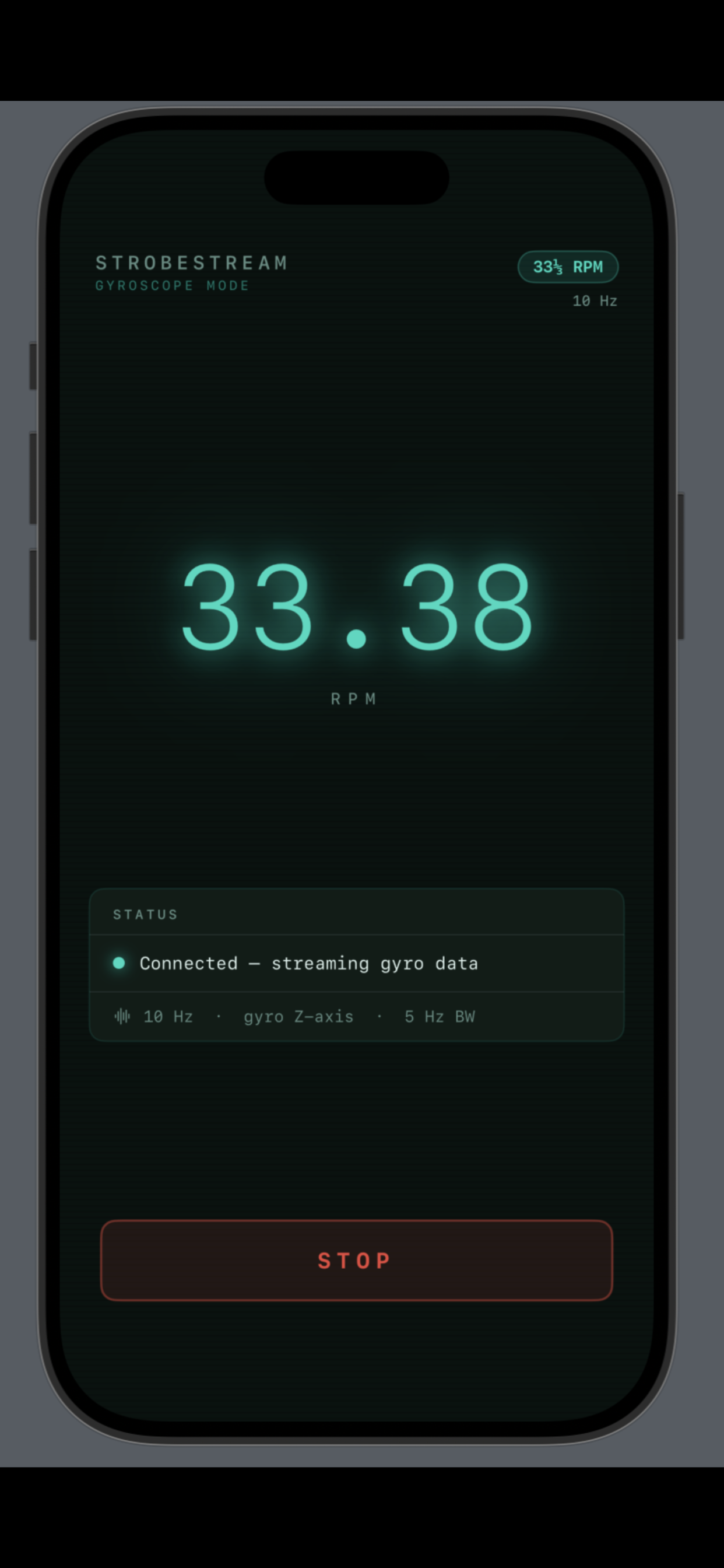
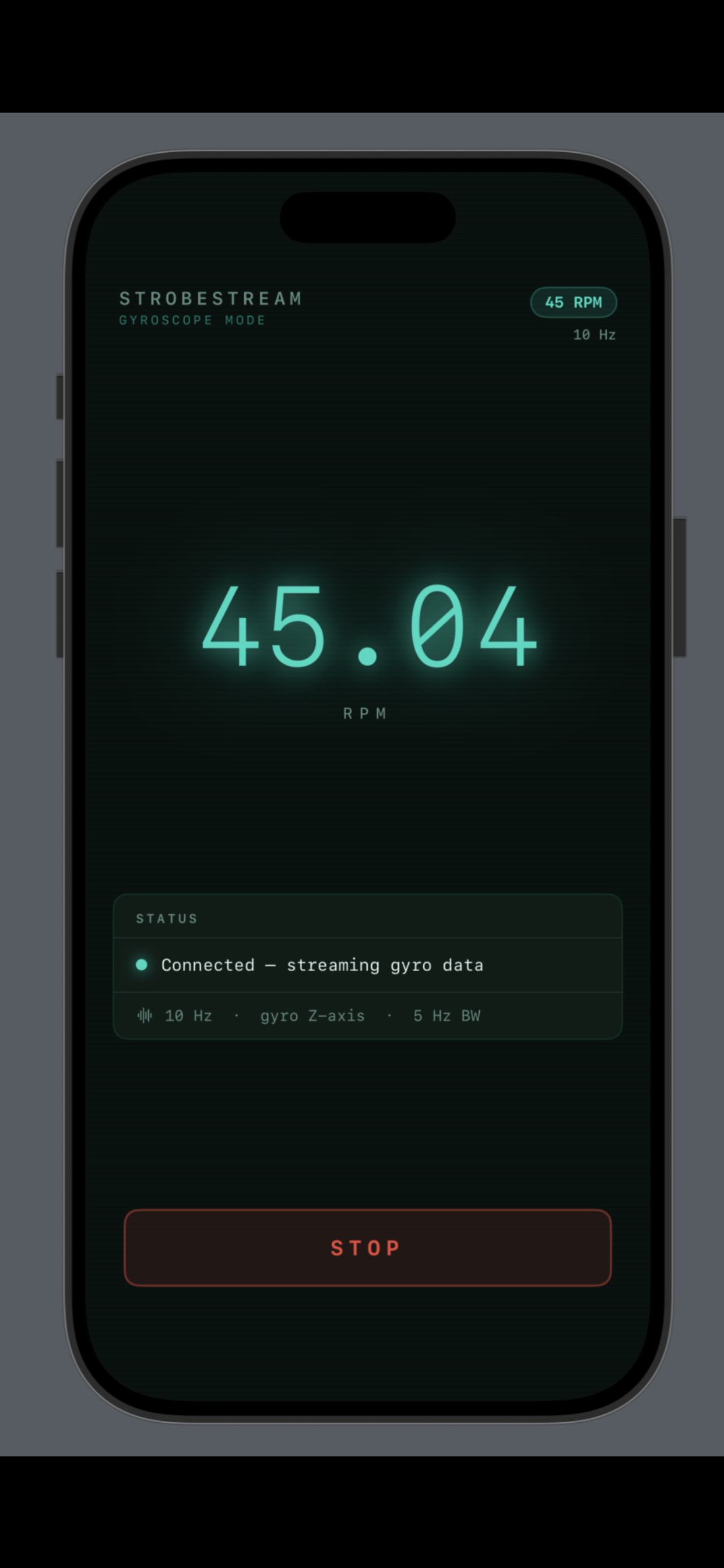
100 Hz gyroscope sampling via the iPhone's CMDeviceMotion sensor. No optical artefacts, no eccentricity errors.
Wow & Flutter
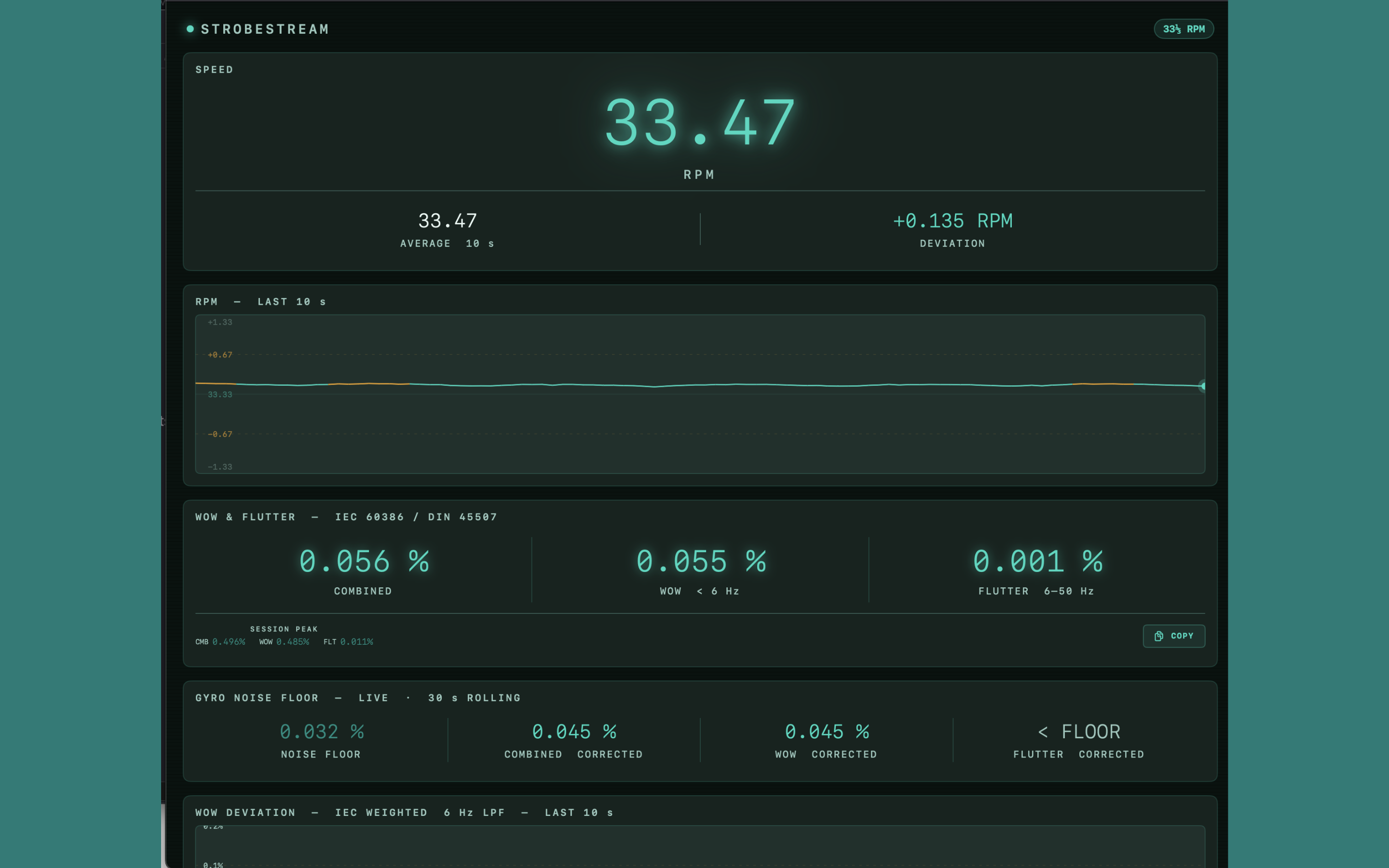
Separate combined, wow (< 6 Hz), and flutter (6–50 Hz) figures with live 10-second rolling trace.
Auto Detection
Automatic speed detection for 33 1/3, 45, and 78 RPM. Bonjour discovery — no IP addresses or pairing required.
/// How it works
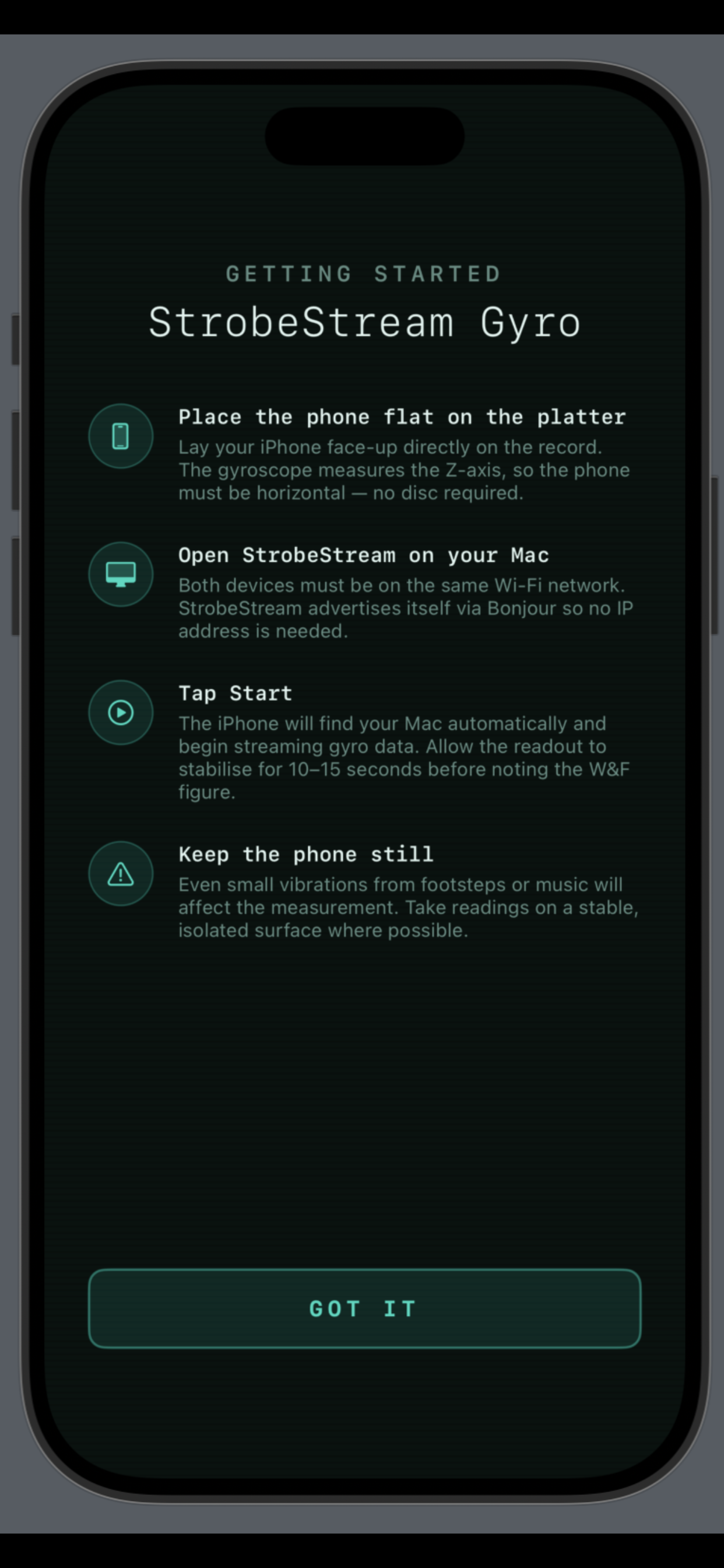
Place the Phone
With the platter stationary, place your iPhone face-up on a record weight so it sits centrally. No disc required.
Open StrobeStream
Launch StrobeStream on your Mac. Both devices must be on the same Wi-Fi network.
Tap Start
The apps find each other automatically via Bonjour. Measurements begin within seconds.
Read the Result
Allow 10–15 seconds for the IEC filters to stabilise, then note the W&F figure.
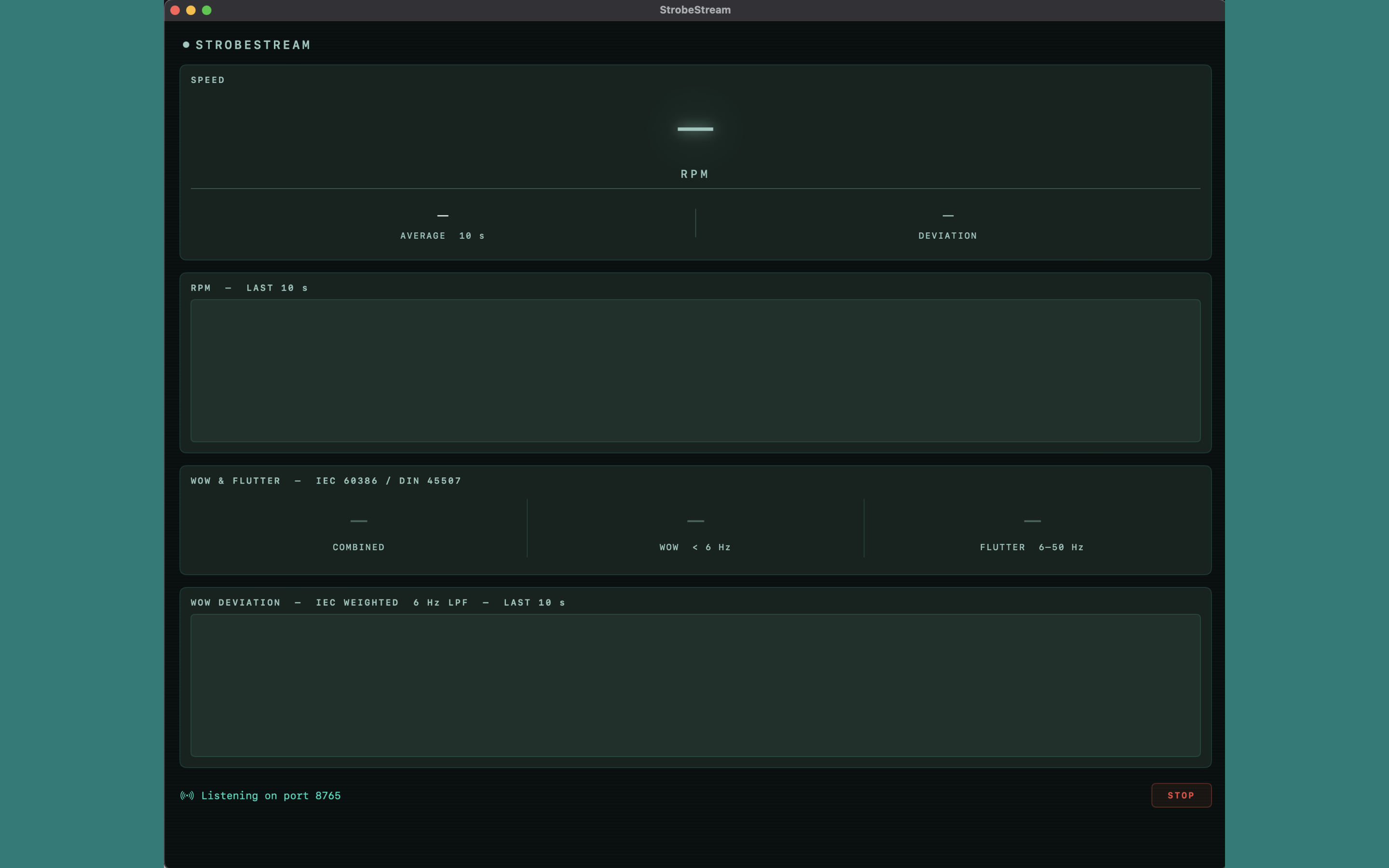
/// StrobeStream — Mac
/// StrobeCaptureGyro — iPhone
/// Technical Specification
| Measurement standard | IEC 60386 / DIN 45507 weighted wow & flutter |
| Weighting filter | HPF 0.5 Hz + peaking EQ 4 Hz +6 dB + wow LPF 6 Hz / flutter BPF 6–50 Hz |
| Detector | DIN 45507 quasi-peak, τ attack = 10 ms, τ release = 300 ms |
| Sample rate | 100 Hz gyroscope raw, 10 Hz decimated output |
| Effective bandwidth | 0–5 Hz Nyquist (covers full IEC wow + flutter band) |
| Noise correction | Live gyro noise floor estimation with quadrature subtraction (30 s rolling) |
| Speed detection | Automatic: 33 1/3, 45, 78 RPM |
| Connection | WebSocket over local Wi-Fi, Bonjour service discovery |
| Mac requirements | macOS 13 Ventura or later |
| iPhone requirements | iOS 16 or later — any iPhone with a gyroscope (iPhone 4 or later) |
Support
For questions, bug reports, or feature requests, please use the contact form. Include your Mac OS version, iPhone model, and iOS version in your message.
Common issues
If the iPhone app cannot find StrobeStream, ensure both devices are connected to the same Wi-Fi network. Some routers with AP isolation enabled will prevent Bonjour discovery — try a different network or a personal hotspot.
Measurement tips
For best results, place the phone on a record weight so the gyroscope sits as close to the platter centre as possible - this minimises any eccentric motion artefacts. Allow at least 15 seconds after the platter reaches speed before noting the W&F figure. Avoid footfall or vibration near the turntable during measurement.